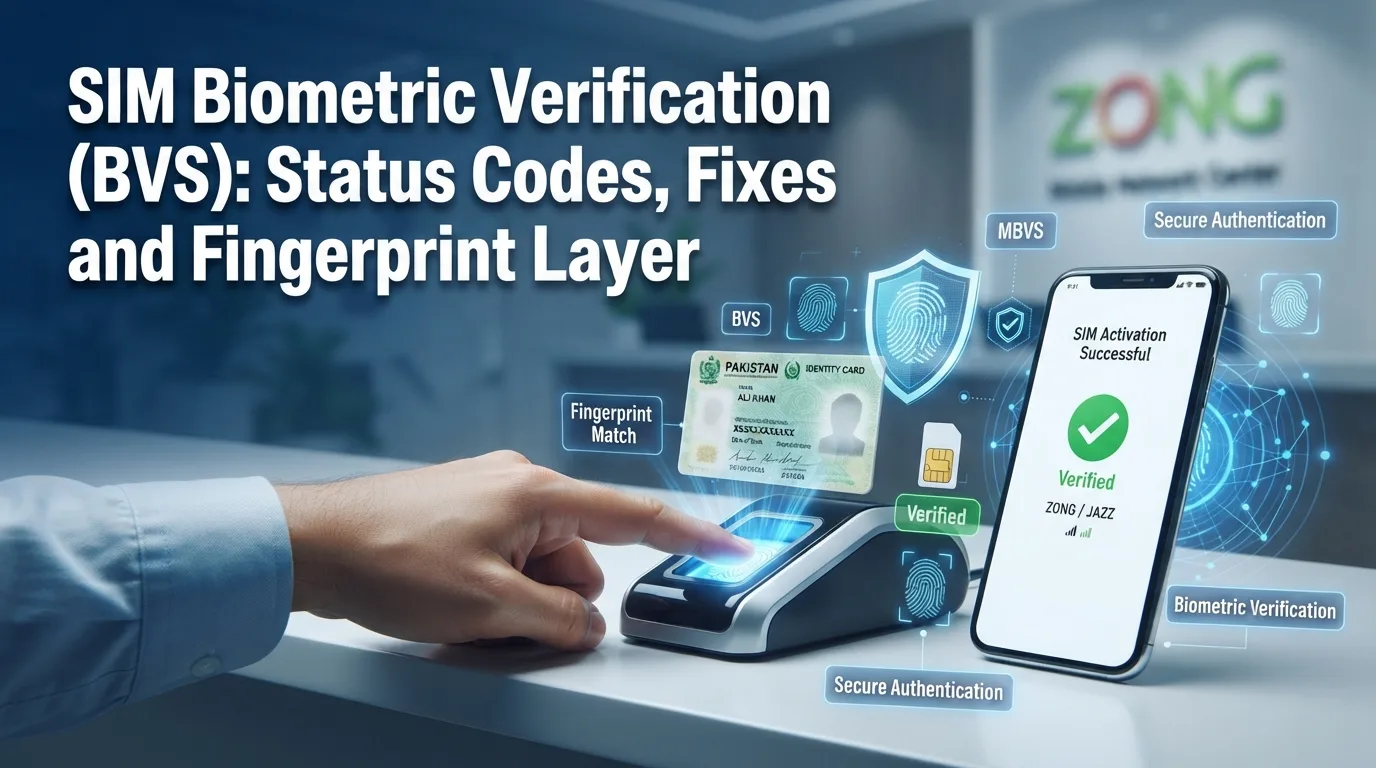
SIM Biometric Verification (BVS): Status Codes, Fixes and the Fingerprint Layer
Learn SIM Biometric Verification (BVS), status codes, fingerprint fixes, MBVS, and easy solutions for SIM verification in Pakistan. During this process, your fingerprints are securely matched with the biometric record linked to your CNIC in NADRA’s database to confirm your identity. Whether you are buying a new SIM, replacing an old one, or completing biometric re-verification, understanding BVS status codes, fingerprint verification errors, MBVS, and their solutions can save you time and prevent unnecessary delays. In this complete guide, you’ll learn how the SIM Biometric Verification System works, how to check your BVS status, what each verification status means, common fingerprint problems and fixes, and the steps to take if your SIM shows Pending, Not Verified, or Verification Failed. By the end of this article, you’ll have everything you need to complete SIM biometric verification and keep your mobile connection active and secure.
What Is SIM Biometric Verification (BVS)?
BVS stands for Biometric Verification System. It is the process that links your SIM card to your CNIC using your fingerprints. When you buy a new SIM in Pakistan, the shop or franchise scans your fingerprints on a small device. This device sends your fingerprint data to NADRA’s database in real time. NADRA checks if the fingerprints match the CNIC number you provided. If they match, your SIM gets activated and marked as “Verified” in the PTA system.
This system exists to prevent fake SIM registrations, reduce mobile fraud, and ensure every number in the country is linked to a real person. The PTA and NADRA run this system together, and every mobile operator – Jazz, Zong, Telenor, Ufone, and SCOM – connects to the same central database.
How to Check Your BVS Status
Each network operator has its own quick code to check biometric status. These work through simple SMS or USSD codes, and you don’t need internet.
| Operator | How to Check |
| Jazz | Send your CNIC number to 6001 |
| Zong | Send any SMS to 7751 |
| Telenor | Send the letter V to 7911 |
| Ufone | Send V to 7911, or dial *333# |
| SCO/ | SMS your CNIC to 668, or call helpline 1236 |
You can also send your CNIC to 668 to see how many SIMs are registered across all networks under your identity, though this checks total SIM count rather than fingerprint-specific status on one line.
Common BVS Status Codes
| Status Code | Meaning | What to Do |
| Success | Fingerprint matched successfully | SIM can be activated |
| Verification Failed | Fingerprint did not match | Scan again or use another finger |
| Fingerprint Quality Low | Poor scan quality | Clean finger and scanner |
| Timeout | Verification request expired | Retry verification |
| Network Error | Communication problem | Wait and retry |
| Device Error | Scanner issue | Use another biometric device |
| Duplicate Verification | Request already processed | Confirm with franchise |
| CNIC Not Found | Identity record unavailable | Contact NADRA |
| Finger Not Detected | Scanner couldn’t read fingerprint | Reposition finger |
| Biometric Mismatch | Fingerprint differs from NADRA record | Visit NADRA if issue continues |
Understanding the Fingerprint Layer
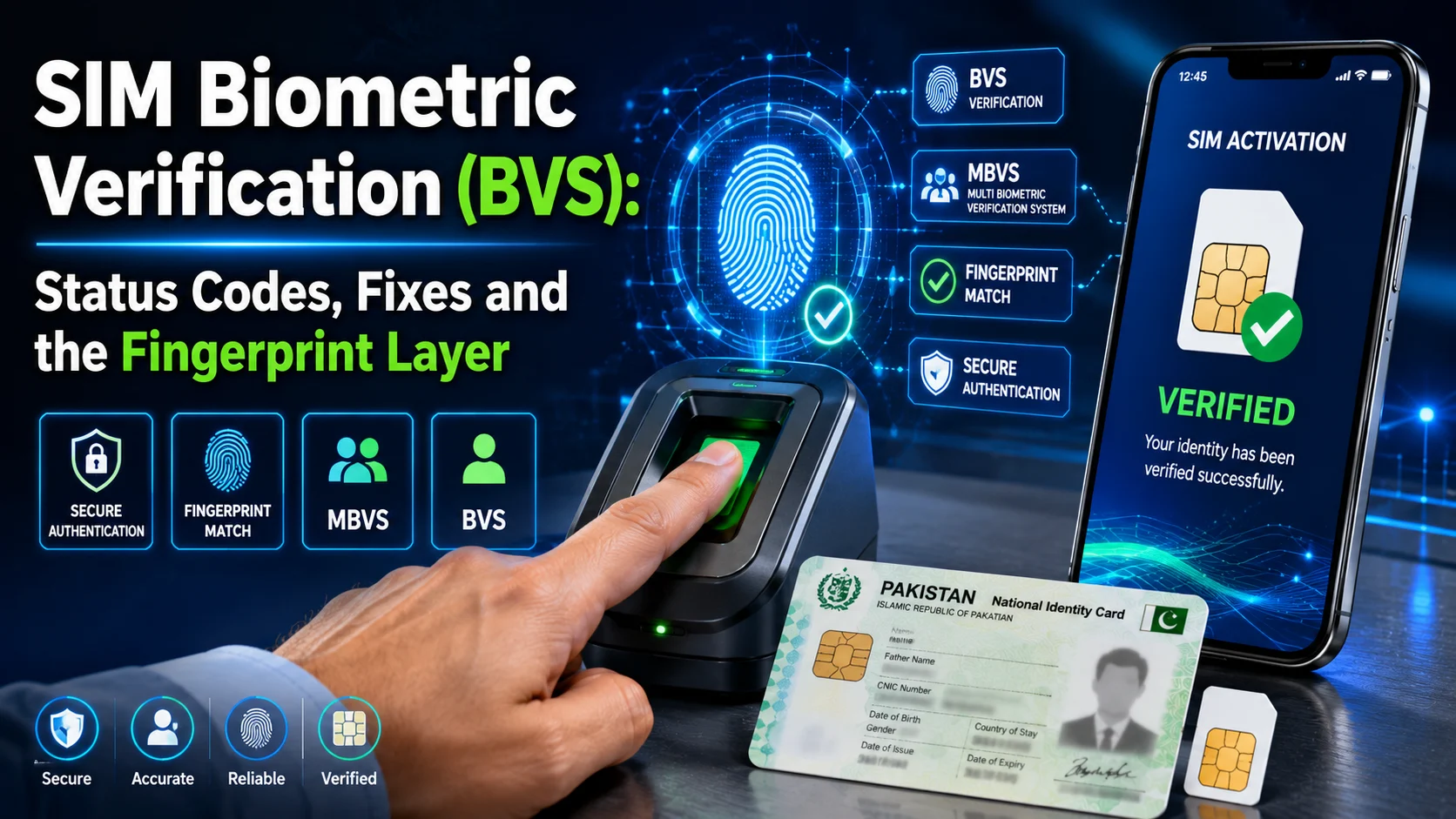
When you register or re-verify a SIM, the agent scans multiple fingers – not just one. This is often referred to as MBVS (Mobile Biometric Verification System). Here is how it works in simple steps:
- Capture: The device scans several of your fingers, usually thumbs and index fingers, sometimes up to ten prints total.
- Transmission: Your fingerprint pattern is sent securely to NADRA’s central database.
- Matching: NADRA compares the new scan against the fingerprint record already stored against your CNIC.
- Confidence Score: The system checks how closely the two prints match. It needs a high confidence score to confirm a match – a partial or unclear scan will not pass.
- Result: If the match score is high enough, your SIM is marked “Verified.” If not, it stays “Not Verified” or “Pending,” and you’re asked to try again.
This layer is the actual technical heart of BVS. It’s also the most common point of failure, because fingerprints change with age, skin condition, and even the quality of the scanning device.
Do eSIMs Need Biometric Verification?
Yes. eSIMs also require biometric verification before they can be activated. Although an eSIM does not use a physical SIM card, it still follows the same verification process as a regular SIM.
When you activate an eSIM, your fingerprint is matched with your CNIC record in NADRA’s biometric database. Once your identity is verified, the eSIM is activated and linked to your CNIC.
The main difference is that an eSIM is downloaded digitally to your phone rather than inserted as a plastic SIM card. However, the BVS (Biometric Verification System), status codes, and verification process remain the same.
An eSIM also counts as one registered SIM under your CNIC, just like a physical SIM. If you check your registered SIMs using the official SIM information service, both physical SIMs and eSIMs are included in your total registered connections.
Since an eSIM is built into your phone, it cannot be removed like a physical SIM card. This provides an extra layer of security if your device is lost or stolen. However, you should still protect your phone with a strong screen lock and report a lost device to your mobile operator immediately.
Common SIM Biometric Verification (BVS) Fingerprint Verification Failures and Fixes
| Cause | Why It Happens | Fix |
| Worn or faded fingerprints | Common in manual laborers, elderly users, and people with years of hand-based work. | Ask the agent to try all ten fingers, not just thumbs. Try a different scanner if one is available. |
| Dry, oily, or dirty hands | Moisture and residue affect scan clarity. | Wash hands, avoid lotion or henna, and dry hands fully before scanning. |
| Cuts, burns, or skin damage | Physical damage changes the fingerprint ridge pattern temporarily or permanently. | Try alternate fingers. If it persists, ask NADRA about facial recognition as a backup method. |
| Faulty or dirty scanner device | Hardware issues at the franchise cause repeated failed reads. | Ask staff to clean the scanner or try a second device or a different franchise. |
| Expired CNIC | Biometric verification cannot complete against an expired ID. | Renew your CNIC at NADRA first, then return to re-verify the SIM. |
| System sync delay | Sometimes the match succeeds but PTA’s system takes time to update the status. | Wait 24 hours and recheck using your operator’s code. |
| Old, pre-2015 manual registration | SIMs registered before biometric checks became standard often never completed a proper fingerprint match. | Visit any franchise for fresh biometric re-verification, even if the SIM is currently working. |
What to Do If Your SIM Biometric Verification (BVS) Status Shows Not Verified or Pending
Follow these steps in order:
- Confirm the status again. Use your operator’s code to double-check. Delays in the system sometimes cause false readings.
- Wait 24 hours if it says “Pending.” Many pending cases clear on their own once the system finishes syncing.
- Check your CNIC validity. An expired CNIC will block verification no matter how many times you scan your fingerprints.
- Visit the nearest franchise with your original CNIC. Bring the physical card, not a photocopy. The agent will re-scan your fingerprints on the spot.
- Try multiple fingers. Don’t rely only on your thumb. A different finger may scan more clearly.
- Ask for a different device or franchise if it fails repeatedly. Faulty scanners are a common and fixable cause.
- File a PTA complaint if the issue continues. Call 0800-55055 or use the PTA CMS app if your case isn’t resolved after a fair number of attempts.
What Happens If You Don’t Complete Biometric Re-Verification?
PTA periodically runs enforcement drives targeting SIMs that were never properly biometrically verified, especially older connections registered before fingerprint-based checks became mandatory. If your SIM falls into this category and you ignore the notice or skip re-verification, your line typically moves through these stages:
- Suspended – outgoing calls and SMS stop working, incoming still works.
- Blocked – the line goes fully offline.
- Permanent deactivation – in some cases, the number is released back into the system after prolonged inactivity.
Why is Biometric Verification Important?
Biometric verification helps:
- prevent fake SIM registrations
- reduce identity theft
- stop unauthorized SIM issuance
- improve telecom security
- protect users from SIM fraud
- ensure every SIM belongs to a verified CNIC holder
Tips for Successful Fingerprint Verification
- Bring your original CNIC.
- Wash your hands before scanning.
- Keep fingers dry but not excessively dry.
- Follow the operator’s instructions.
- Do not rush the scan.
- Use gentle, even pressure.
- Ensure the scanner surface is clean.
Common Biometric Errors and Solutions
| Problem | Solution |
| Scanner cannot read finger | Clean scanner and retry |
| Poor fingerprint quality | Use another finger if available |
| Fingerprint mismatch | Retry carefully or seek official assistance |
| Network timeout | Wait and scan again |
| Device malfunction | Use another biometric device |
| Old fingerprint record | Contact NADRA if advised |
Conclusion
BVS plays a vital role in keeping Pakistan’s mobile network secure by ensuring every active SIM is linked to its genuine owner through biometric authentication. Understanding how the Biometric Verification System (BVS) and Multi Biometric Verification System (MBVS) work, recognizing common status codes, and knowing how the fingerprint verification layer operates can help you resolve verification issues quickly and avoid SIM activation delays.
If your verification fails, don’t panic. Simple steps such as cleaning your fingers, trying another registered finger, using a different biometric scanner, or visiting an authorized franchise with your original CNIC can solve the problem. If the issue continues, updating your biometric information through NADRA and following your mobile operator’s verification process is the safest solution.
Frequently Asked Questions (FAQs)
What is BVS?
BVS is the fingerprint-based verification process used to confirm that a SIM card is registered to the correct CNIC holder before activation..
Why is SIM biometric verification required in Pakistan?
It helps prevent fake SIM registrations, identity theft, illegal mobile usage, and telecom fraud by ensuring every SIM is linked to its genuine owner.
How can I check my SIM biometric verification status?
You can check your BVS status using your mobile operator’s SMS or USSD service, or by visiting an authorized franchise with your original CNIC.
Why does biometric verification fail?
Biometric verification may fail because of poor fingerprint quality, dry or damaged fingers, dirty scanners, an expired CNIC, network issues, outdated biometric records, or hardware problems.
Can I use another finger for biometric verification?
Yes. If one fingerprint cannot be verified, the operator may scan another registered finger to complete the verification.
Can old fingerprints cause verification problems?
Yes. Fingerprints may become less clear because of aging, manual labor, skin damage, or certain medical conditions, making verification more difficult.
What should I do if my fingerprint is not matching?
Wash and dry your hands, try another finger, ensure the scanner is clean, and visit an authorized franchise. If the issue continues, contact NADRA for biometric assistance.
Does an expired CNIC affect biometric verification?
Yes. An expired CNIC may prevent successful biometric verification. Renew your CNIC before attempting SIM verification again.
How long does SIM biometric verification take?
If there are no technical issues, biometric verification usually takes only a few minutes.
Can network issues affect biometric verification?
Yes. Temporary server or network problems may delay the verification process or return a timeout error. Waiting a while and trying again often resolves the issue.
How can I improve fingerprint scan quality?
To improve fingerprint scan quality, make sure your hands are clean and dry, remove any dirt or oil, place your finger gently on the scanner, keep it still during scanning, and try another registered finger if necessary.
Is SIM Biometric Verification mandatory for every new SIM?
Yes. Every new SIM issued in Pakistan must complete biometric verification before it can be activated under the country’s SIM registration framework.
Disclaimer
The information provided on num.com.pk is for general informational and educational purposes only. We are an independent website and are not affiliated with, endorsed by, or officially connected with PTA, NADRA, or any mobile network operator in Pakistan. SIM, CNIC, mobile network, and telecommunications information may change over time, so users should verify important information through the relevant or authorized sources. Our tools do not provide unauthorized access to private SIM databases, CNIC records, mobile-number ownership information, or live location data. We do not guarantee the completeness, accuracy, or current status of all information published on this website. By using our website, you acknowledge that you do so at your own discretion and risk.